Disclaimer: Business Help Services is a private registration consultancy. We are not affiliated with, endorsed by, or part of any government department or ministry. All fees collected are professional service charges only, not government fees. The official government portal for Udyam registration is udyamregistration.gov.in.
Disclaimer: Business Help Services Is A Private Consultancy And Assistance Service Provider And Is Not Affiliated With, Authorized By, Endorsed By, Or Associated With Any Government Authority Or Department. All Charges Collected On This Website Are Strictly Consultancy & Assistance Service Fees Only, And Not Any Government Fee.Disclaimer: Business Help Services Is A Private Consultancy And Assistance Service Provider And Is Not Affiliated With, Authorized By, Endorsed By, Or Associated With Any Government Authority Or Department. All Charges Collected On This Website Are Strictly Consultancy & Assistance Service Fees Only, And Not Any Government Fee.

Print Udyam Certificate | MSME Print | Udyamadhar

+91

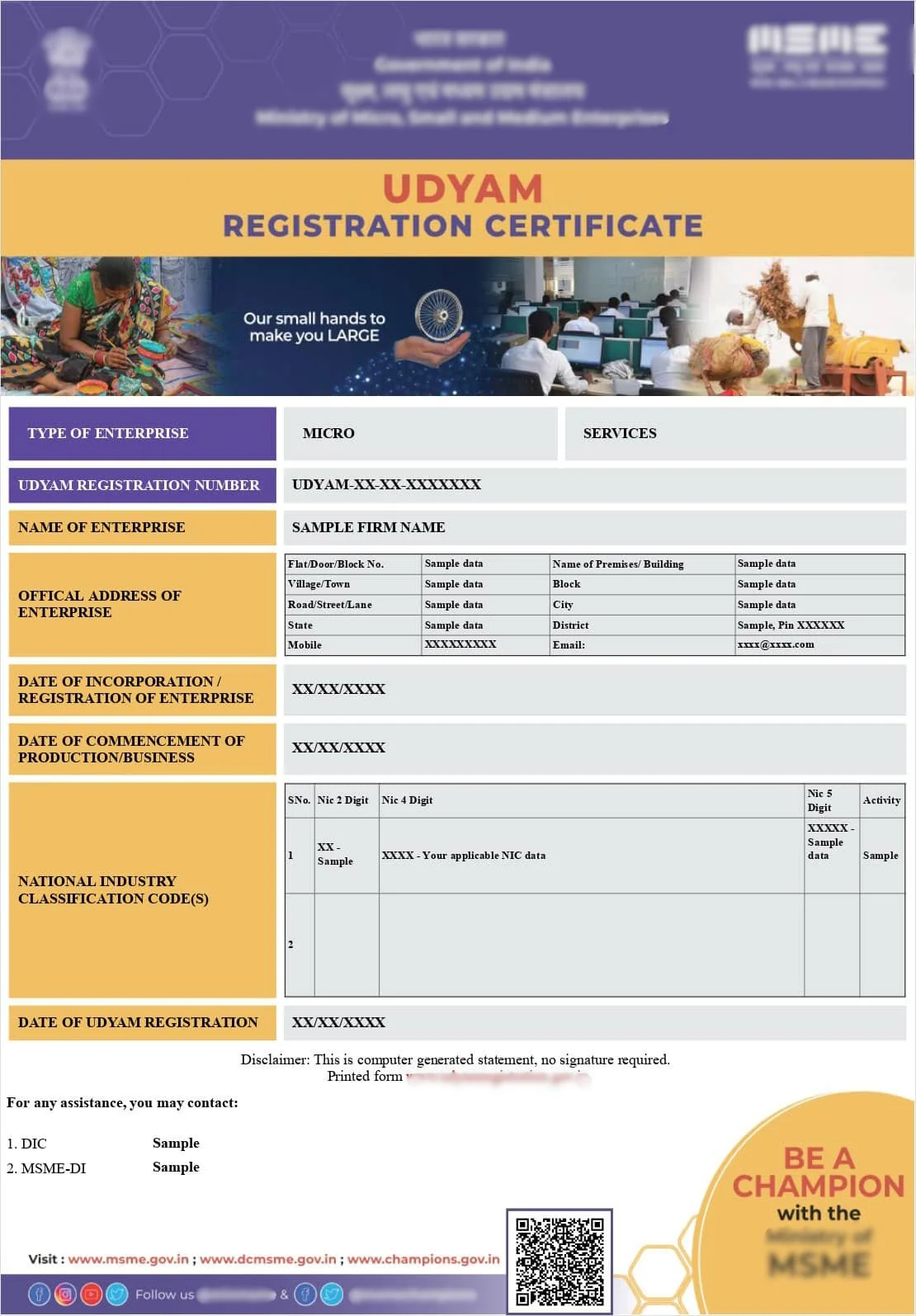
Sample Certificate

Sample Udyam Adhar Certificate

Note: Sample Udyam Adhar Certificate shown for reference purposes only.

How to Print Your Udyam Certificate

To print your Udyam certificate, first download the latest PDF version from the official Udyam portal using your Registration Number, then open the file and use your device's print function, ideally on good quality paper for official submissions or display purposes.

Get Your Udyam Certificate Print Ready — We'll Check It First

Get expert help

Quick Facts

Processing Time
Instant, once correct PDF is downloaded
Documents
Downloaded Udyam certificate PDF
Eligibility
Any registered enterprise with a valid certificate
Validity
No expiry, print reflects current registration details
Certificate
Physical printed copy of Udyam e-certificate
Authority
Ministry of MSME
Who Can Apply
Registered enterprise owner or authorised person

Introduction

While the Udyam certificate is officially a digital document, many business owners still need a physical printed copy, whether for framing at their office, submitting alongside physical loan paperwork, or attaching to a tender document. This guide covers exactly how to print your certificate correctly and what to check before you do.

Why You Might Need a Printed Udyam Certificate

Certain banks and institutions still prefer or require physical copies of supporting documents, even in an increasingly digital process. Many business owners also like to display their certificate at their shop or office as a mark of credibility, or keep a printed copy in their official records folder alongside other business documents.

Before You Print — Download the Latest Version

Always start by downloading the most current version of your certificate from the official Udyam portal. If you have updated any business details since your original registration, printing an old saved copy could mean submitting outdated or incorrect information.

Step by Step Guide to Print Udyam Certificate

Open the downloaded PDF file on your computer, review all the details carefully, and then use your device's standard print option. Select a print quality and paper type appropriate for your purpose, standard paper is fine for internal records, while better quality paper is worth using if the certificate will be displayed or submitted for official purposes.

Printing Tips for a Clean, Professional Copy

For a certificate that will be displayed publicly or submitted for a tender, consider printing on slightly heavier paper stock and ensuring your printer settings are set to a higher quality output so text and any official markings remain crisp and legible.

What If Your Certificate Details Are Incorrect

If you notice incorrect information on your certificate before printing, such as a wrong business name, address or classification, it is best to correct this through the Udyam update process first, then download and print the corrected version, rather than printing and using an inaccurate document.

Not sure your certificate details are correct? Let us review it before you print.

Get expert help

How Udyamadhar Helps

If you are unsure whether your certificate details are accurate, or need assistance correcting information before printing an official copy, Udyamadhar can review and fix your Udyam Registration details so your printed certificate is accurate and ready for use. We provide professional assistance for registration and compliance services. We are a private consultancy and are not affiliated with any Government department.

Real Business Scenario

A boutique manufacturing unit in Pune wanted to display their Udyam certificate at their new office reception. Before printing, they discovered their business address on the certificate was still their old location. Udyamadhar helped update the address through the official correction process, after which a fresh, accurate certificate was downloaded and printed for display.

Common Questions

Business owners often ask whether the printed certificate needs any official stamp or attestation, whether black and white printing is acceptable, and what to do if their printer cannot handle the file format. These are covered in the FAQ section.

Conclusion

Printing your Udyam certificate is a simple final step, but it is worth taking a moment to confirm your details are accurate and current before doing so. A clean, correct printed certificate reflects well on your business, whether it is displayed at your office or submitted alongside a loan or tender application.

CTA

Need your Udyam certificate details corrected before printing? Talk to Udyamadhar today. ---

Why trust this guide

Private consultancy disclaimer
We provide professional assistance for registration and compliance services. We are a private consultancy and are not affiliated with any Government department. ---

Frequently Asked Questions

No, the digital certificate downloaded from the official portal is considered valid as printed, without any additional stamp required.

Related guides

Print a clean, accurate Udyam certificate with confidence. Talk to Udyamadhar.

Get expert help

Frequently Asked Questions for MSME registration in India.

MSME Business Help Services Online, SSI – Small Scale Industries Certificate – Update, Edit, and Download Acknowledgement

Udyam Assistance Process – Fast & Simple

Fill Form & Make Payment

Submit Required Information

Expert Assistance & Verification

Updates Shared via Email

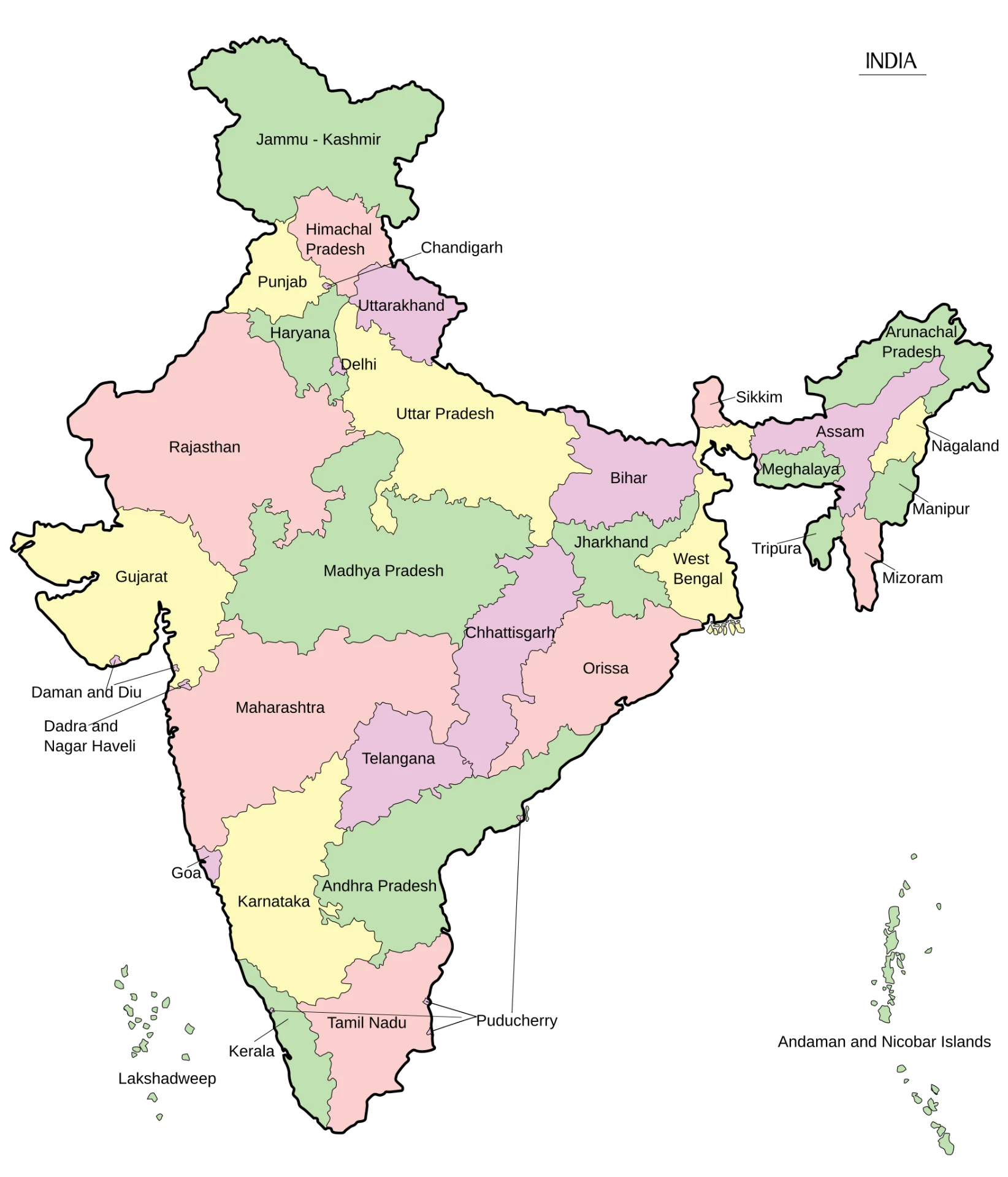
We provide consultancy services across India.

Map of India showing all states where consultancy services are provided
CountryIndia
Area3,287,263 sq. km.
States28
Population1,46,39,00,000
Literacy80.9%