Verify Udyam Certificate
Sample Certificate
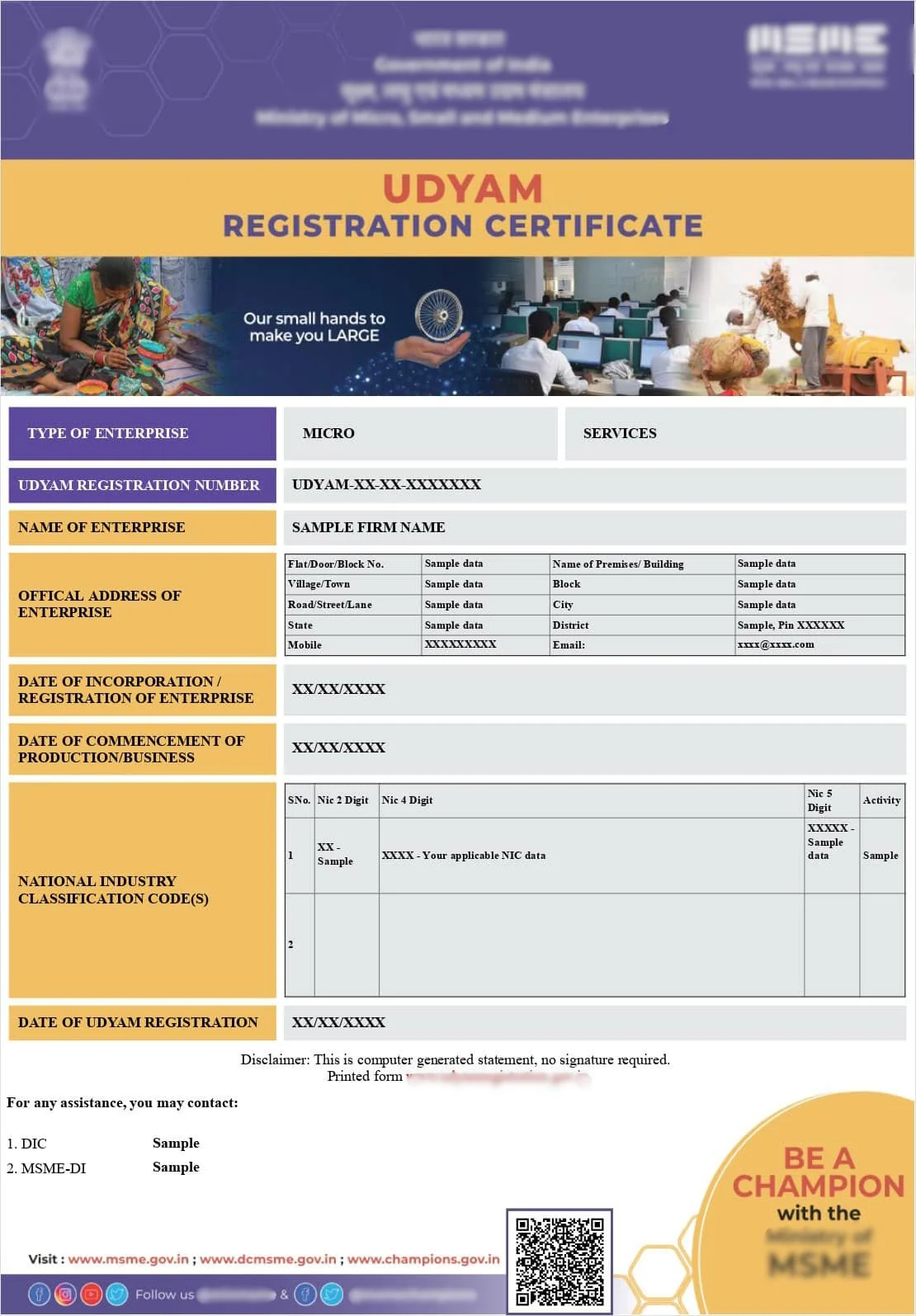
Note: Sample Udyam Certificate shown for reference purposes only.
Verify Udyam Certificate — Check MSME Registration Details Online
Confirm that a Udyam (MSME) registration is genuine and that the details on the certificate match the official record.
Why verify a Udyam certificate?
- Confirm a supplier or vendor genuinely holds MSME status before allowing MSME benefits.
- Support a bank loan, subsidy or tender application that requires proof of registration.
- Check that your own enterprise details are recorded correctly after registration or an update.
- Detect an outdated Udyog Aadhaar that was never migrated to Udyam.
How verification works
- Share the URN: Provide the 19-character Udyam Registration Number shown on the certificate you want verified.
- Details check: We check the registration record for enterprise name, classification and registration date.
- OTP confirmation: Where required, an OTP on the registered mobile or email confirms ownership of the registration.
- Verification summary: You receive a clear summary of what the record shows, plus next steps if anything is incorrect.
What you need
- The Udyam Registration Number (URN) from the certificate.
- Access to the mobile number or email registered with the Udyam application, when OTP confirmation is needed.
- The enterprise name as printed on the certificate, for cross-checking.
Frequently Asked Questions
- How do I verify a Udyam certificate?
- A Udyam certificate is verified using the 19-character Udyam Registration Number (URN) printed on it, along with the mobile number or email registered with that Udyam application for OTP confirmation.
- What details are confirmed during verification?
- Verification confirms the enterprise name, type of organisation, major activity, social category, enterprise classification (micro, small or medium), date of incorporation and date of Udyam registration.
- Can I verify a supplier's or vendor's Udyam certificate?
- Yes. Buyers, banks and tender authorities commonly verify a vendor's MSME status before extending MSME benefits or processing payments under the MSME payment rules.
- What if the verification shows no record?
- If no record appears, the number may be mistyped, the certificate may relate to an old Udyog Aadhaar that was never migrated, or the registration may have been cancelled. Our team can help you check and correct it.
- Is verification the same as downloading the certificate?
- No. Verification only confirms the registration details are genuine. Downloading a fresh PDF copy of the certificate is a separate process that requires OTP authentication on the registered contact.
Udyam Assistance Process – Fast & Simple
Fill Form & Make Payment
Submit Required Information
Expert Assistance & Verification
Updates Shared via Email
A Vision on India
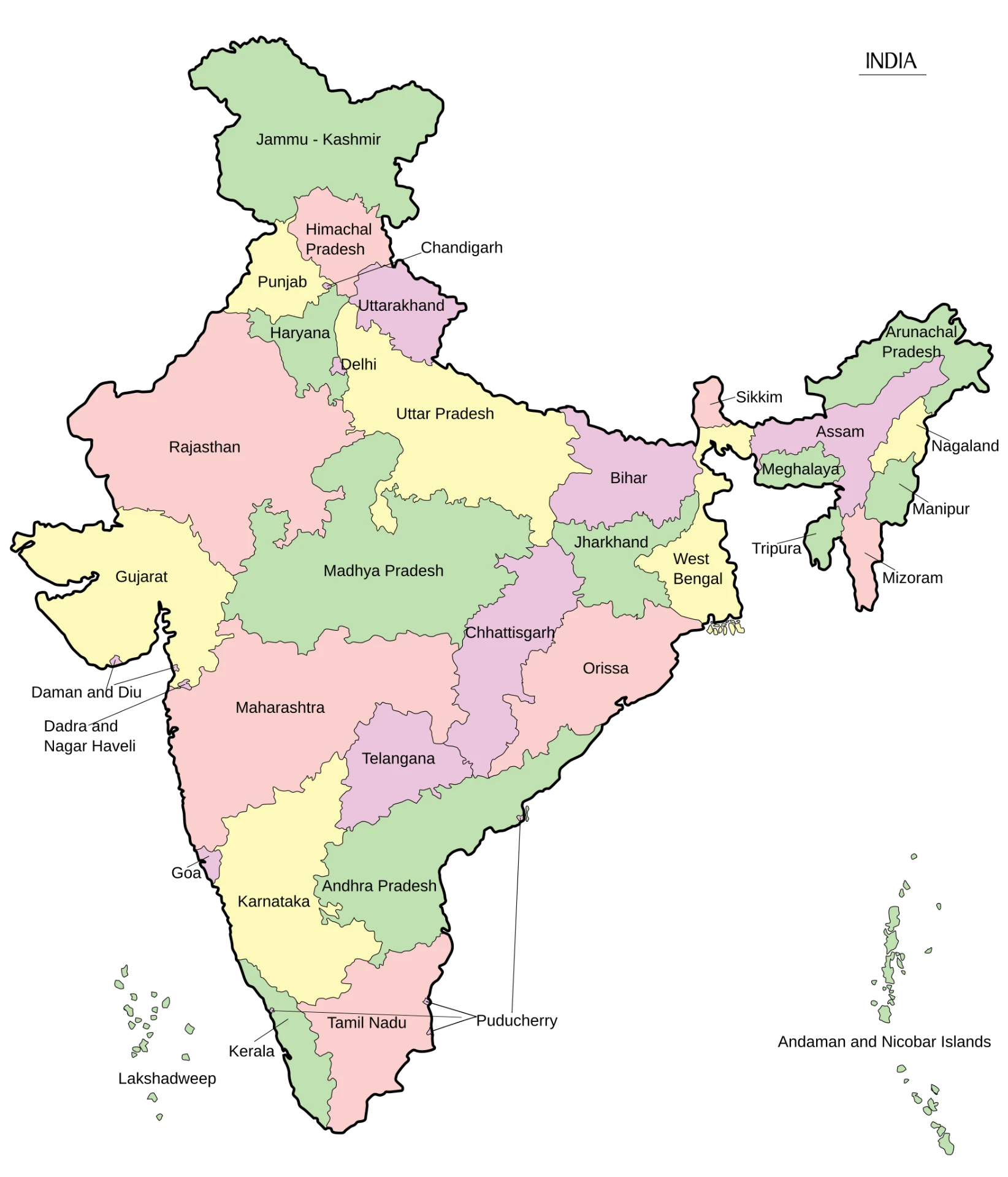
| Country | India |
|---|---|
| Area | 3,287,263 sq. km. |
| States | 28 |
| Population | 1,46,39,00,000 |
| Literacy | 80.9% |