Udyam Login | Access Your Udyam Registration Portal | Udyamadhar
Sample Certificate
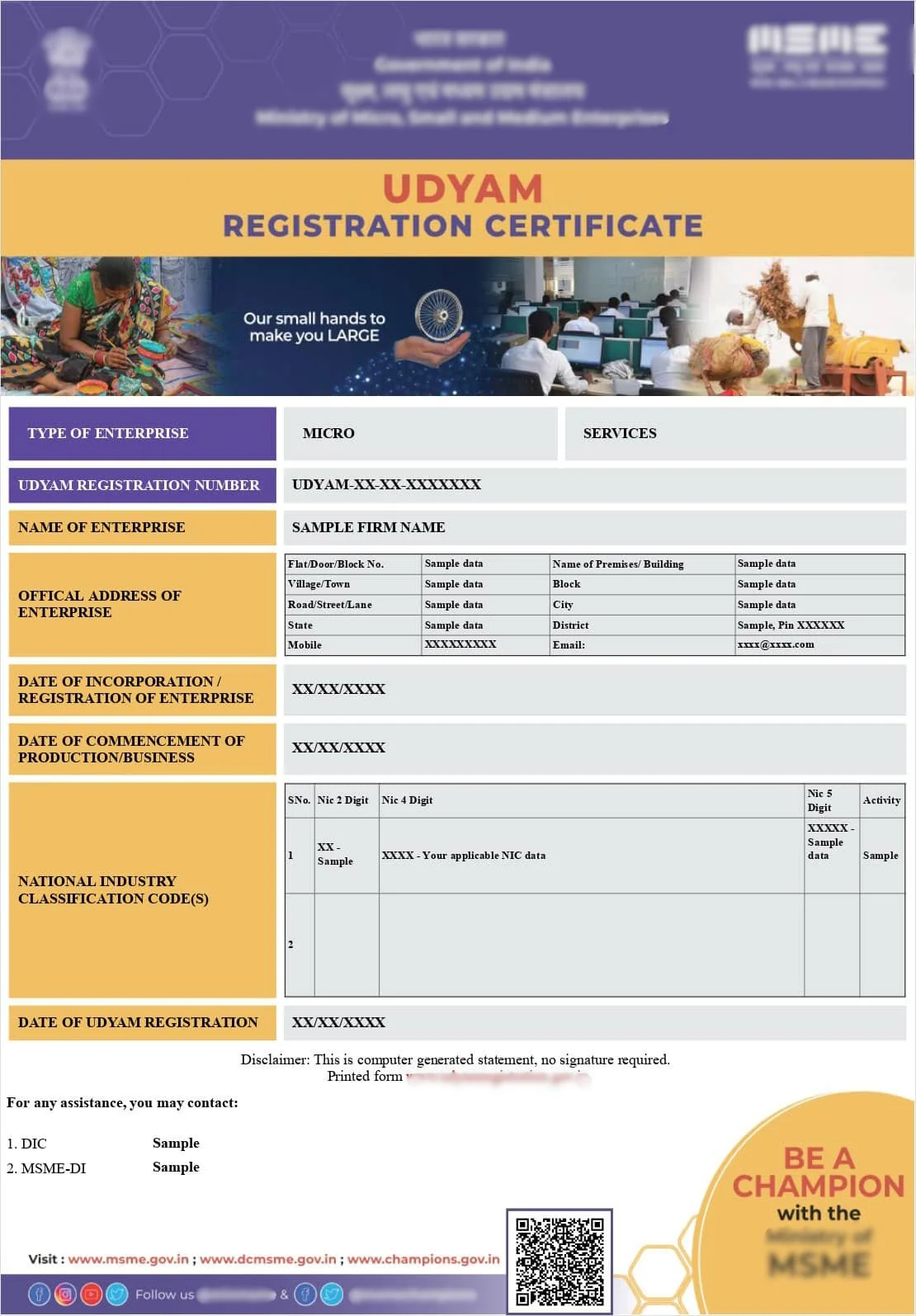
Note: Sample Udyam Adhar Certificate shown for reference purposes only.
Udyam Login — Access Your Registration Account
Udyam login is done through the official Udyam Registration portal using your Udyam Registration Number or Aadhaar number, followed by OTP verification sent to your registered mobile number. Once logged in, you can check your status, update details, or download your certificate.
Having Trouble Logging In to Udyam? We Can Help You Regain Access
Get expert helpQuick Facts
- Processing Time
- Instant once OTP is verified
- Documents
- Udyam Registration Number or Aadhaar, registered mobile access
- Eligibility
- Any business with an existing Udyam Registration
- Validity
- Login access available anytime post registration
- Certificate
- Downloadable after successful login
- Authority
- Ministry of MSME
- Who Can Apply
- Registered enterprise owner or authorised signatory
Introduction
Once your Udyam Registration is complete, you are not entirely done with the portal, you will likely need to log back in from time to time to check your status, update your details as your business changes, or simply download a fresh copy of your certificate. This guide walks through the login process and common issues that come up along the way.
What Is the Udyam Login Used For
Logging in to your Udyam account allows you to perform several ongoing tasks related to your registration, including checking your current application or update status, editing details like turnover, investment or business address, and downloading your certificate whenever needed.
What You Need to Log In
To log in, you generally need either your Udyam Registration Number, if you already have it saved, or your Aadhaar number as an alternative. Either way, you will need access to the mobile number linked to your Aadhaar for OTP verification.
Step by Step Guide to Udyam Login
Visit the official Udyam Registration portal and locate the login section. Enter either your Udyam Registration Number or your Aadhaar number, depending on what you have available, then complete the OTP verification sent to your registered mobile number. Once verified, you will be directed to your registration dashboard.
Common Login Issues and How to Fix Them
The most frequent login problems include OTP not being received due to an inactive or changed mobile number, entering an incorrect registration number or Aadhaar number, and occasional portal downtime during periods of high traffic. Most of these issues can be resolved by double checking your entered details or updating your linked mobile number.
What If You Cannot Receive Your OTP
If your OTP is not arriving, first confirm that the mobile number linked to your Aadhaar is still active and correctly entered. If the number has changed, you will likely need to update it through the appropriate Aadhaar correction process before login can proceed successfully.
Staying Secure While Accessing Your Udyam Account
Since your Udyam account contains sensitive business details, it is worth being cautious about where and how you access it, avoiding public or shared computers where possible, and never sharing your OTP with anyone claiming to assist you unless you have verified they are a legitimate, trusted service provider.
OTP not arriving? We know exactly how to fix common Udyam login issues.
Get expert helpHow Udyamadhar Helps
If you are facing persistent login issues, whether due to OTP problems, a forgotten registration number, or confusion about which identifier to use, Udyamadhar can help diagnose the issue and guide you through regaining access to your account. We provide professional assistance for registration and compliance services. We are a private consultancy and are not affiliated with any Government department.
Real Business Scenario
A small retail business in Pune needed to log in to update their turnover figures ahead of a loan application, but kept encountering OTP failures. It turned out their Aadhaar linked mobile number had been deactivated after a SIM upgrade. Udyamadhar guided the business through the Aadhaar mobile update process, after which login and the subsequent update were completed smoothly.
Common Questions
Business owners often ask whether they can log in using someone else's Aadhaar if they are an authorised signatory, whether login sessions expire quickly, and what to do if they suspect unauthorised access to their account. These are addressed in the FAQ section.
Conclusion
The Udyam login process is simple in most cases, but access issues, particularly around OTP delivery, can be genuinely frustrating when you need to act quickly. Knowing the common causes and fixes ahead of time means you are far less likely to get stuck when you actually need to log in.
CTA
Struggling to log in to your Udyam account? Let Udyamadhar help you regain access quickly. ---
Why trust this guide
- Private consultancy disclaimer
- We provide professional assistance for registration and compliance services. We are a private consultancy and are not affiliated with any Government department. ---
Frequently Asked Questions
Related guides
- learn about the Udyam portal— Broader topic reference
- recover a forgotten Udyam Registration Number— Related access issue
- check your Udyam Registration status— Post login action
- download your certificate after login— Follow up action
- update your details after login— Follow up action
Get back into your Udyam account quickly and securely with Udyamadhar.
Get expert helpFrequently Asked Questions for MSME registration in India.
MSME Business Help Services Online, SSI – Small Scale Industries Certificate – Update, Edit, and Download Acknowledgement
Udyam Assistance Process – Fast & Simple
Fill Form & Make Payment
Submit Required Information
Expert Assistance & Verification
Updates Shared via Email
We provide consultancy services across India.
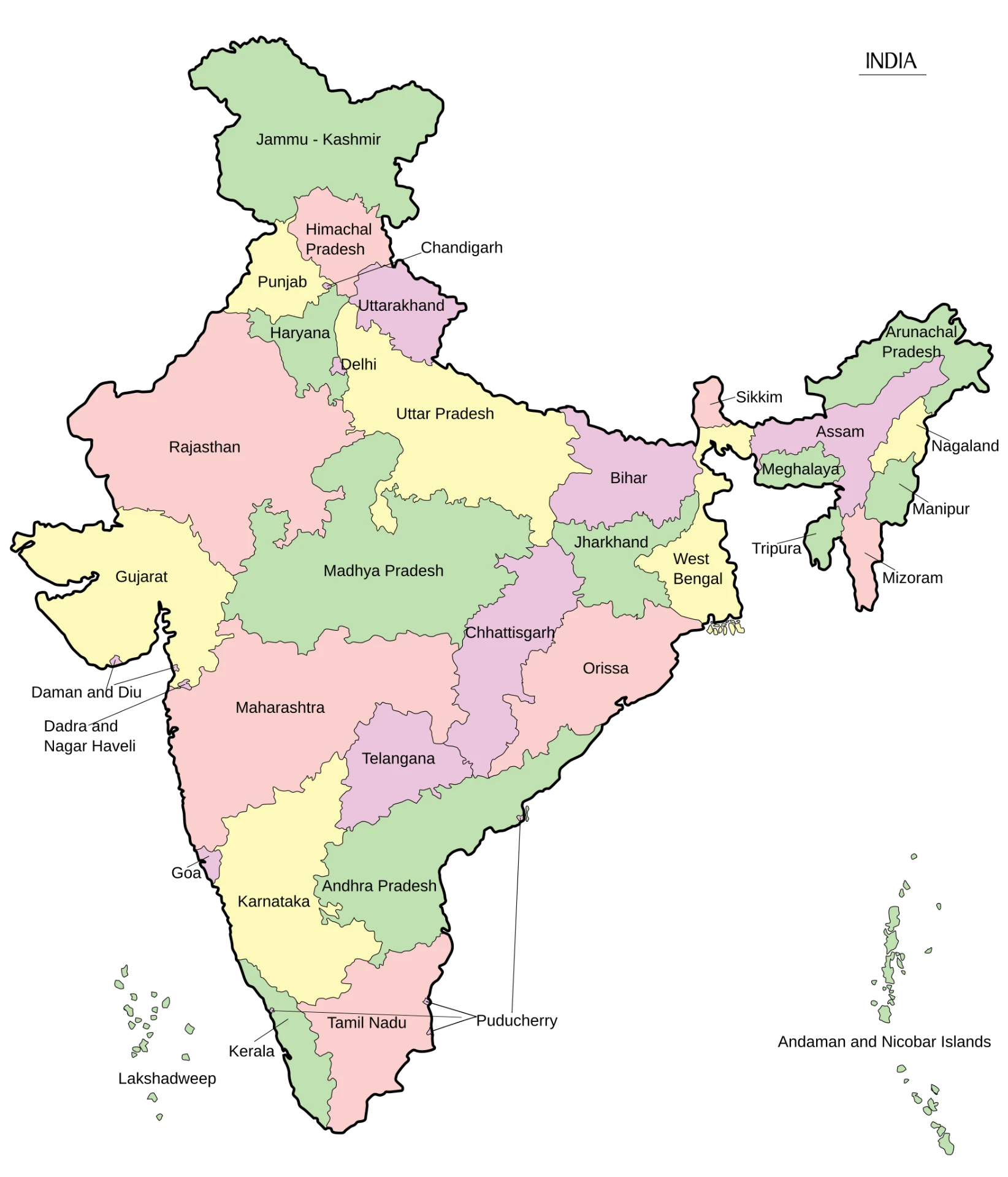
| Country | India |
|---|---|
| Area | 3,287,263 sq. km. |
| States | 28 |
| Population | 1,46,39,00,000 |
| Literacy | 80.9% |