Check Udyam Registration Status Online | Udyamadhar
Sample Certificate
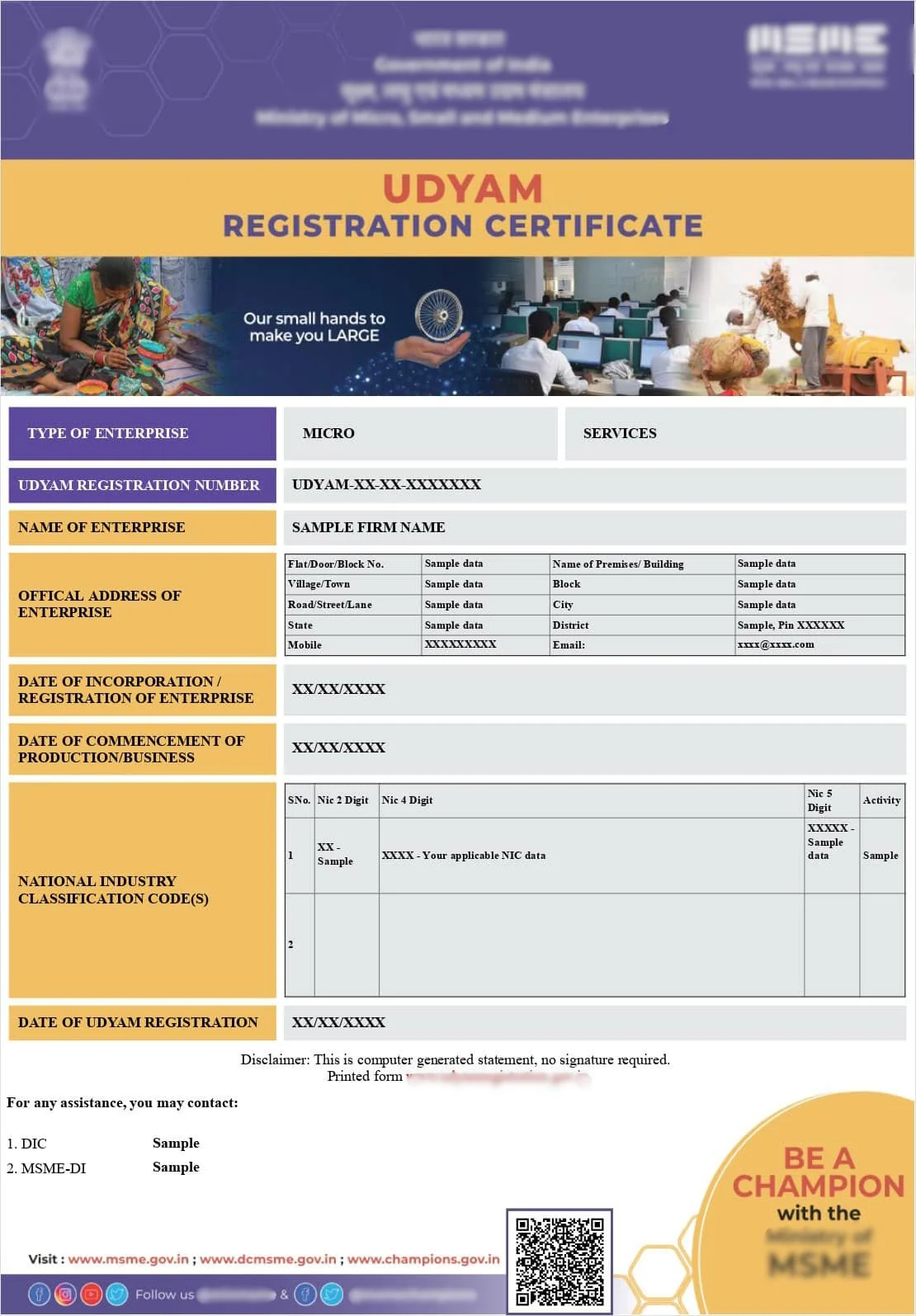
Note: Sample Udyam Adhar Certificate shown for reference purposes only.
How to Check Your Udyam Registration Status
To check your Udyam Registration status, visit the official Udyam portal, select the status check option, and enter your Udyam Registration Number or application reference number along with the required verification details. The portal will display whether your application is approved, pending or requires correction.
Udyam Application Stuck? Let Us Find Out Why and Fix It
Get expert helpQuick Facts
- Processing Time
- Status check is instant, resolution of issues may take longer
- Documents
- Udyam Registration Number or application reference number
- Eligibility
- Anyone with a submitted Udyam application
- Validity
- N/A (status check, not a registration itself)
- Certificate
- Available for download once status shows approved
- Authority
- Ministry of MSME
- Who Can Apply
- Applicant or authorised signatory checking their own application
Introduction
After submitting your Udyam Registration application, the waiting period can feel uncertain, especially if you need your certificate urgently for a loan or tender deadline. Knowing how to check your status, and more importantly, understanding what different status messages actually mean, can save you a lot of unnecessary worry and help you act quickly if something needs fixing.
Why Check Your Udyam Registration Status
Checking your status lets you know exactly where your application stands, whether it has been approved and is ready for certificate download, whether it is still being processed, or whether it requires correction before it can move forward. This is particularly important if you are working against a deadline for a loan, tender, or scheme application.
What You Need to Check Your Status
You will typically need either your Udyam Registration Number, if your application has already progressed that far, or your application reference number generated at the time of submission. Having your registered mobile number accessible for OTP verification is also usually required.
Step by Step Guide to Check Udyam Registration Status
Visit the official Udyam Registration portal and locate the status check section. Enter your Udyam Registration Number or reference number as applicable, complete any OTP verification requested, and the portal will display your current application status along with any relevant messages.
Understanding Different Status Messages
An "approved" status means your registration is complete and your certificate is ready for download. A "pending" status generally means the system is still verifying your details against income tax, GST or Aadhaar records. A status indicating correction is needed usually points to a specific data mismatch that must be resolved before your application can proceed further.
What to Do If Your Application Is Stuck
If your status remains pending for longer than expected, or shows that correction is required, it is worth reviewing the details you originally submitted for accuracy, particularly your NIC code, turnover figures, and whether your Aadhaar, PAN and GST details are consistent with each other. In many cases, resubmitting corrected information resolves the issue quickly.
How Long Should Approval Normally Take
When all submitted details are accurate and consistent, approval can happen within a day or two. However, applications with mismatches or classification issues can remain pending for much longer until the underlying issue is identified and corrected.
Waiting weeks for approval? We can identify the exact issue causing the delay.
Get expert helpHow Udyamadhar Helps
If your Udyam application has been stuck or pending for an unusually long time, Udyamadhar can review your submitted details, identify the specific issue causing the delay, and help resubmit corrected information to move your application forward quickly. We provide professional assistance for registration and compliance services. We are a private consultancy and are not affiliated with any Government department.
Real Business Scenario
A catering services business in Pune submitted their Udyam application but saw it remain in a pending state for over two weeks with no clear explanation. On review, it was found that the turnover figure entered did not match the business's GST filings for the relevant period. After correcting the figure and resubmitting, the application was approved within two days.
Common Questions
Business owners often ask how frequently they should check their status, what specific correction messages mean, and whether contacting support directly can speed up a stuck application. These are addressed in the FAQ section.
Conclusion
Checking your Udyam Registration status is quick and simple, but understanding what the result actually means, and knowing how to act on it, is what really matters when you are working against a deadline. If your application is stuck, identifying and fixing the underlying issue is almost always faster than waiting it out.
CTA
Is your Udyam Registration status stuck or pending? Let Udyamadhar find and fix the issue for you. ---
Why trust this guide
- Private consultancy disclaimer
- We provide professional assistance for registration and compliance services. We are a private consultancy and are not affiliated with any Government department. ---
Frequently Asked Questions
Related guides
- Udyam Registration overview— Broader topic reference
- find your Udyam Registration Number— Prerequisite for status check
- verify your Udyam certificate— Post approval next step
- download your certificate once approved— Follow up action
- correct your Udyam Registration details— Addresses correction required status
Get your Udyam Registration moving again with Udyamadhar's help.
Get expert helpFrequently Asked Questions for MSME registration in India.
MSME Business Help Services Online, SSI – Small Scale Industries Certificate – Update, Edit, and Download Acknowledgement
Udyam Assistance Process – Fast & Simple
Fill Form & Make Payment
Submit Required Information
Expert Assistance & Verification
Updates Shared via Email
We provide consultancy services across India.
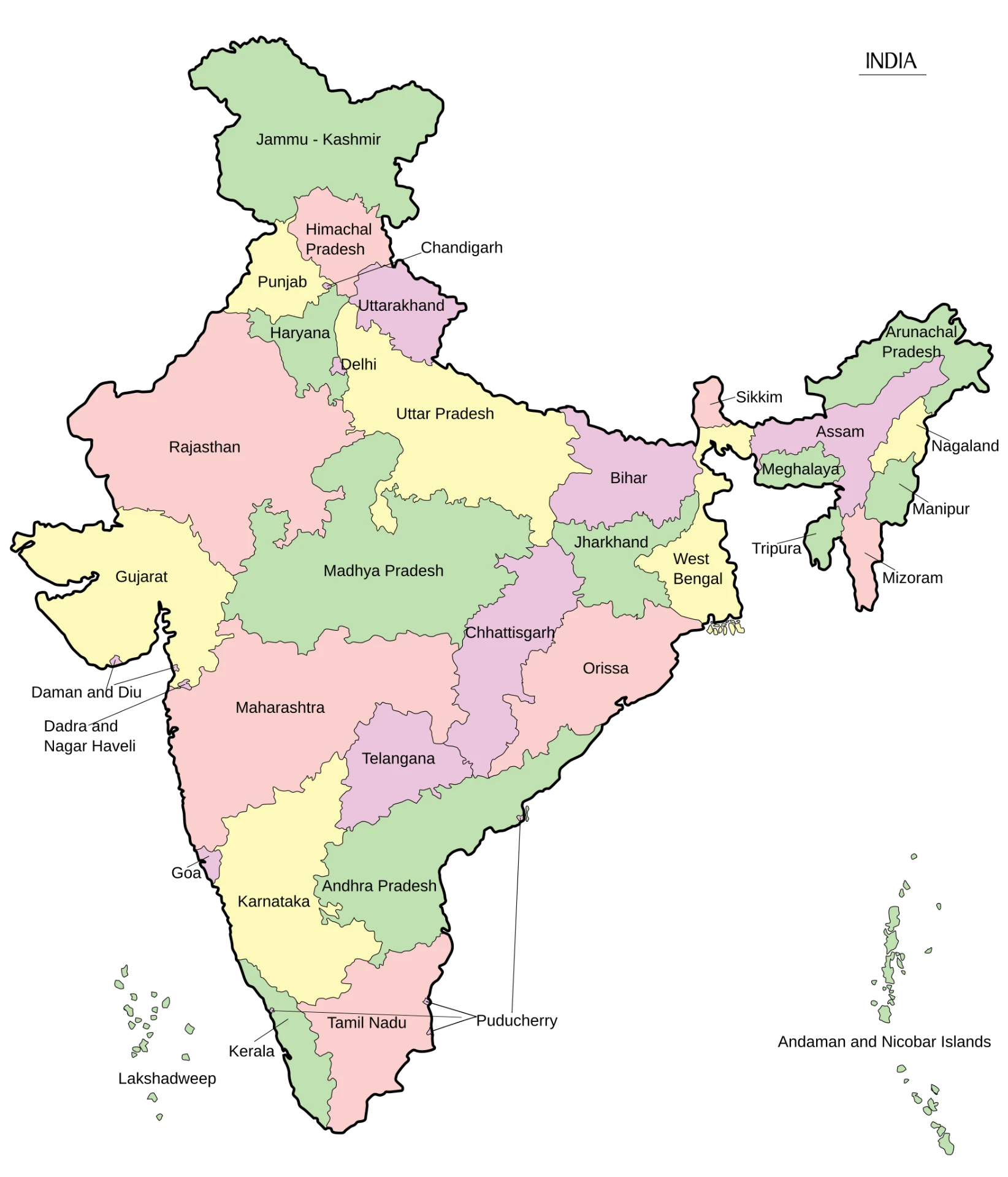
| Country | India |
|---|---|
| Area | 3,287,263 sq. km. |
| States | 28 |
| Population | 1,46,39,00,000 |
| Literacy | 80.9% |